Campaigns
Campaigns let you send broadcast messages to your contacts at scale. Use them for promotions, announcements, product launches, or any one-time outreach.
Campaign Dashboard
Navigate to Campaign in the sidebar to see the campaign dashboard. The table shows all your campaigns with:
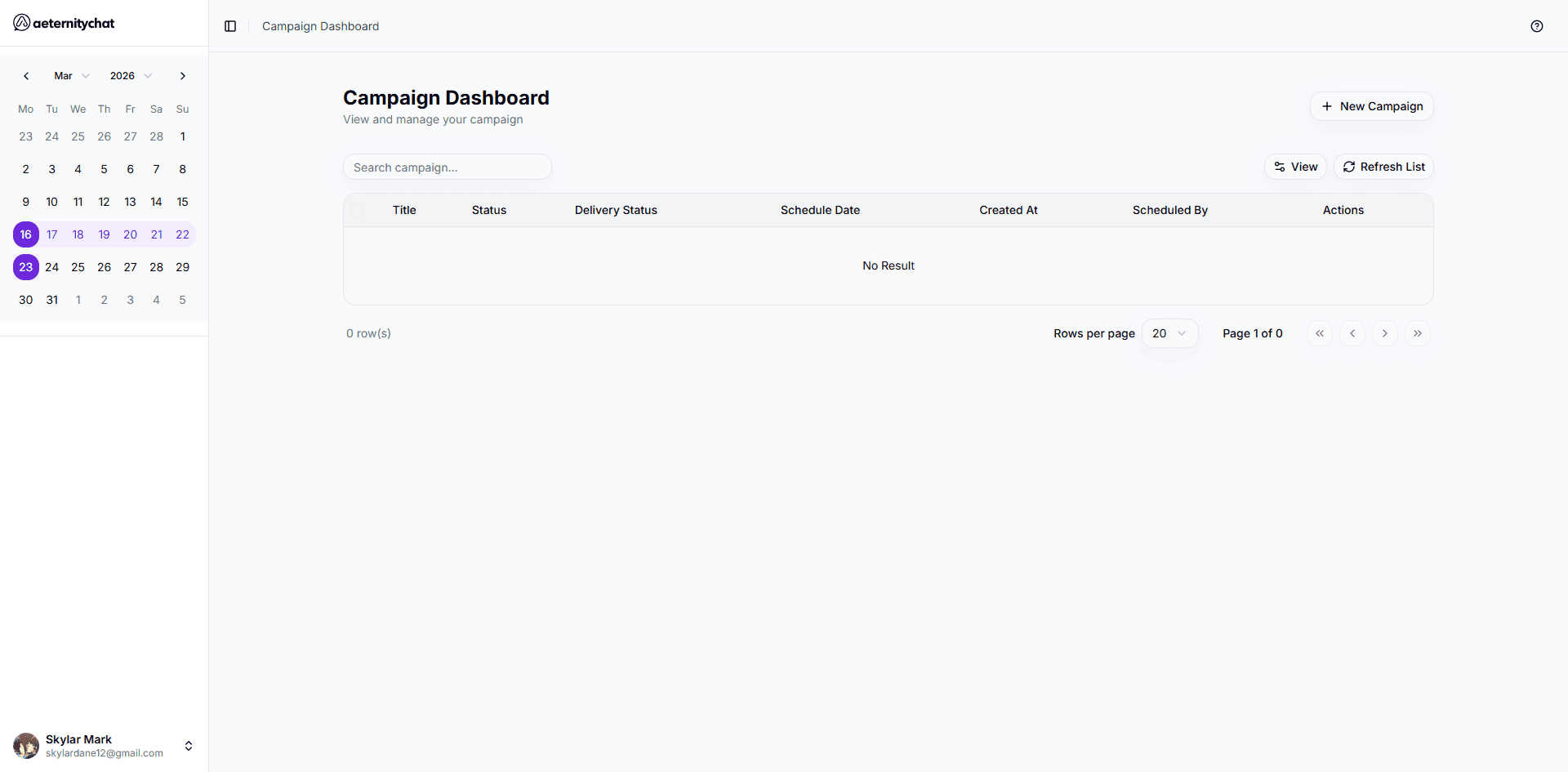
| Column | Description |
|---|---|
| Title | Campaign name |
| Status | Current state — Draft, Scheduled, Sent, Cancelled |
| Delivery Status | Message delivery progress |
| Schedule Date | When the campaign is set to send |
| Created At | When the campaign was created |
| Scheduled By | Team member who created the campaign |
| Actions | View details, cancel, or delete |
You can search campaigns by name and refresh the list.
Campaigns vs Sequences
| Campaigns | Sequences | |
|---|---|---|
| Type | One-time broadcast | Automated drip series |
| Messages | Single template | Multiple templates over time |
| Timing | Sent immediately or scheduled | Sent at intervals (days, hours) |
| Use case | Announcements, promotions | Onboarding, nurture flows |
What’s in This Section
- Create a Campaign — Step-by-step broadcast creation
- AI Campaign Generation — Generate campaign content with AI
- Scheduling & Sending — Timing and delivery options
- Campaign Analytics — Performance reports
Campaigns require approved message templates. Create and get your templates approved before building a campaign.