Settings
The Settings section lets you configure your workspace, manage your team, set up routing rules, and access developer tools.
Settings Categories
| Setting | Description |
|---|---|
| Workspace | Workspace name and configuration |
| Members | Invite and manage team members |
| Teams | Create team groupings |
| Roles & Permissions | Define custom roles with granular permissions |
| Routing | Configure conversation routing rules |
| Live Chat Settings | Chat-specific workspace settings |
| Tags | Manage workspace-wide tags |
| Attributes | Define custom contact attributes |
| Billing & Plans | Manage your subscription and usage |
| Developer | API keys and webhooks |
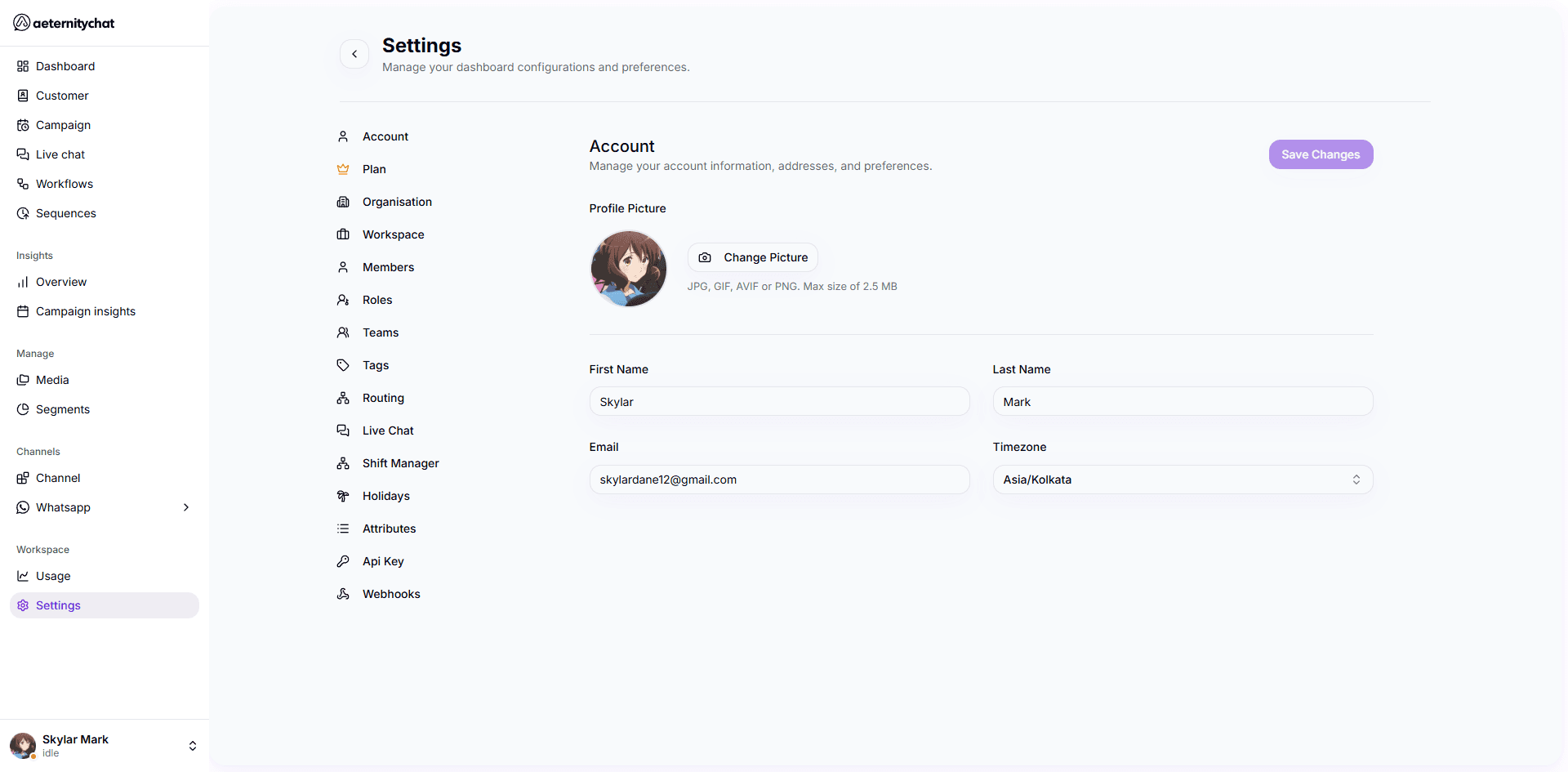
Accessing Settings
Click Settings in the sidebar under the Workspace section. The settings page shows your account configuration with navigation to all sub-sections.
Some settings require specific permissions. If you can’t access a setting, ask your workspace administrator to check your role.